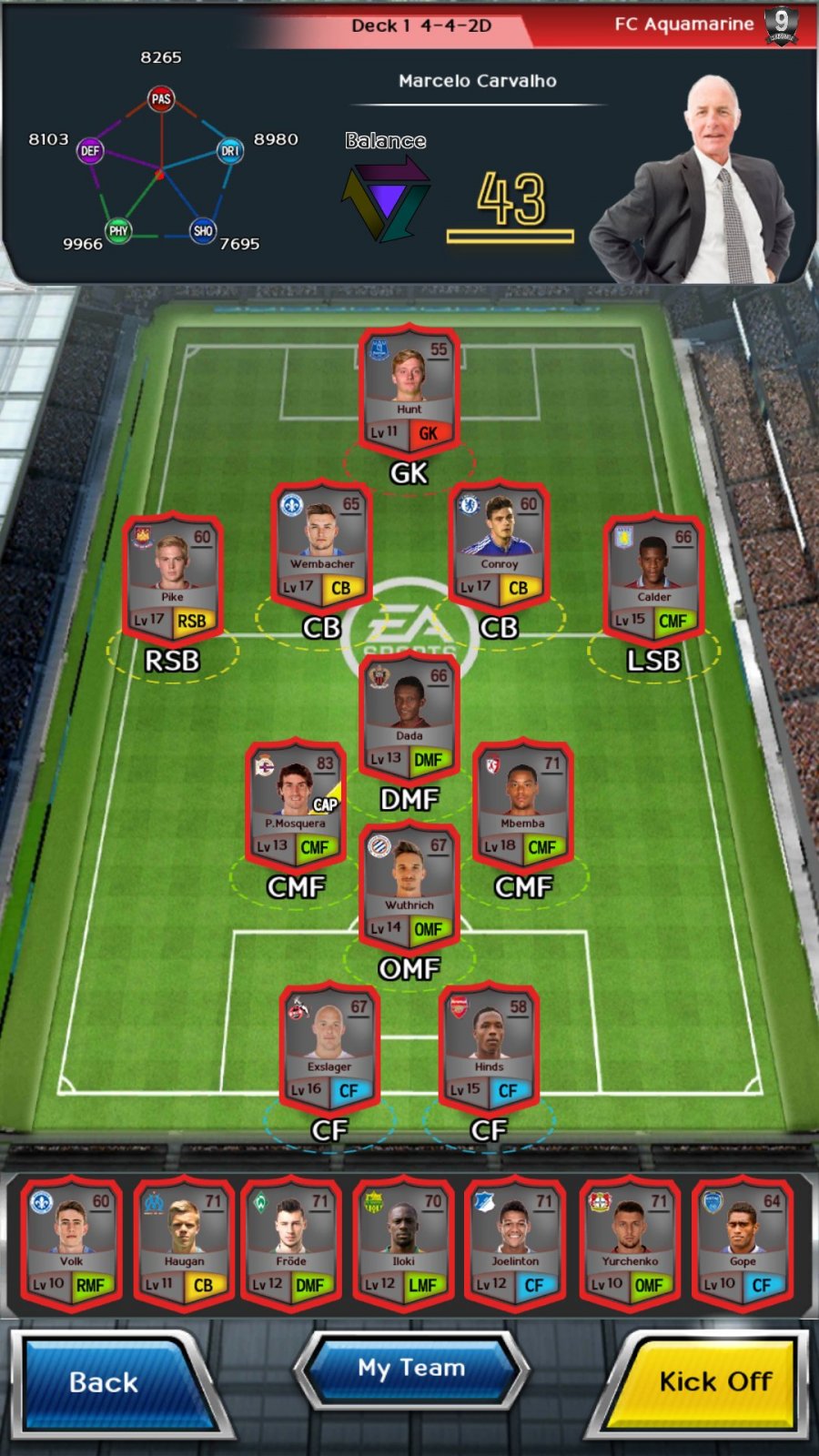
free mod FIFA Soccer: Prime Stars free unlock



FIFA Soccer: Prime Stars


Program available in Everyone Program license Free - System Android


Category : Sports
Program  : Free
Version  : 2.0.0
Size     : 25 MB
Works under : Android
Package name : ELECTRONIC ARTS Geneva, Switzerland
Votes : 87 Votes / Ratting : 3.5
Program by : ELECTRONIC ARTS Geneva, Switzerland
Content rating - com.ea.gp.fwcs2016

Watch FIFA Soccer: Prime Stars Video Review 

Review - FIFA Soccer: Prime Stars 

FIFA Soccer: Prime Stars is an Android browser that is a limited version of the regular UC Browser. It has many of the same features that made the UC Browser popular. It is a great alternative browser if you want something simpler than the traditional browsers for Android.  FIFA Soccer: Prime Stars has many great features. One feature is that it is a very fast browser for downloading files or watching videos. Another feature is that video playback can be controlled by gestures. Also, FIFA Soccer: Prime Stars has an incognito mode to secure your privacy. The browser additionally has a Night Mode which makes it easier to read text when it is dark.  The browser is very well designed. The user-interface is very stylish and clean, letting you focus on what you are doing. The tab management is simpler and easier to use than it is for most Android browsers. A quick-search feature allows you to search right from the navigation bar. In addition, navigation cards allow you to get updates about news and events based on your location.  Pros:  Fast download speeds Intuitive user-interface Small and fast browser Many useful features  Cons:  Not as many features as in standard browsers Night Mode may not work well depending on system brightness settings Built-in download manager doesn’t always work as expected

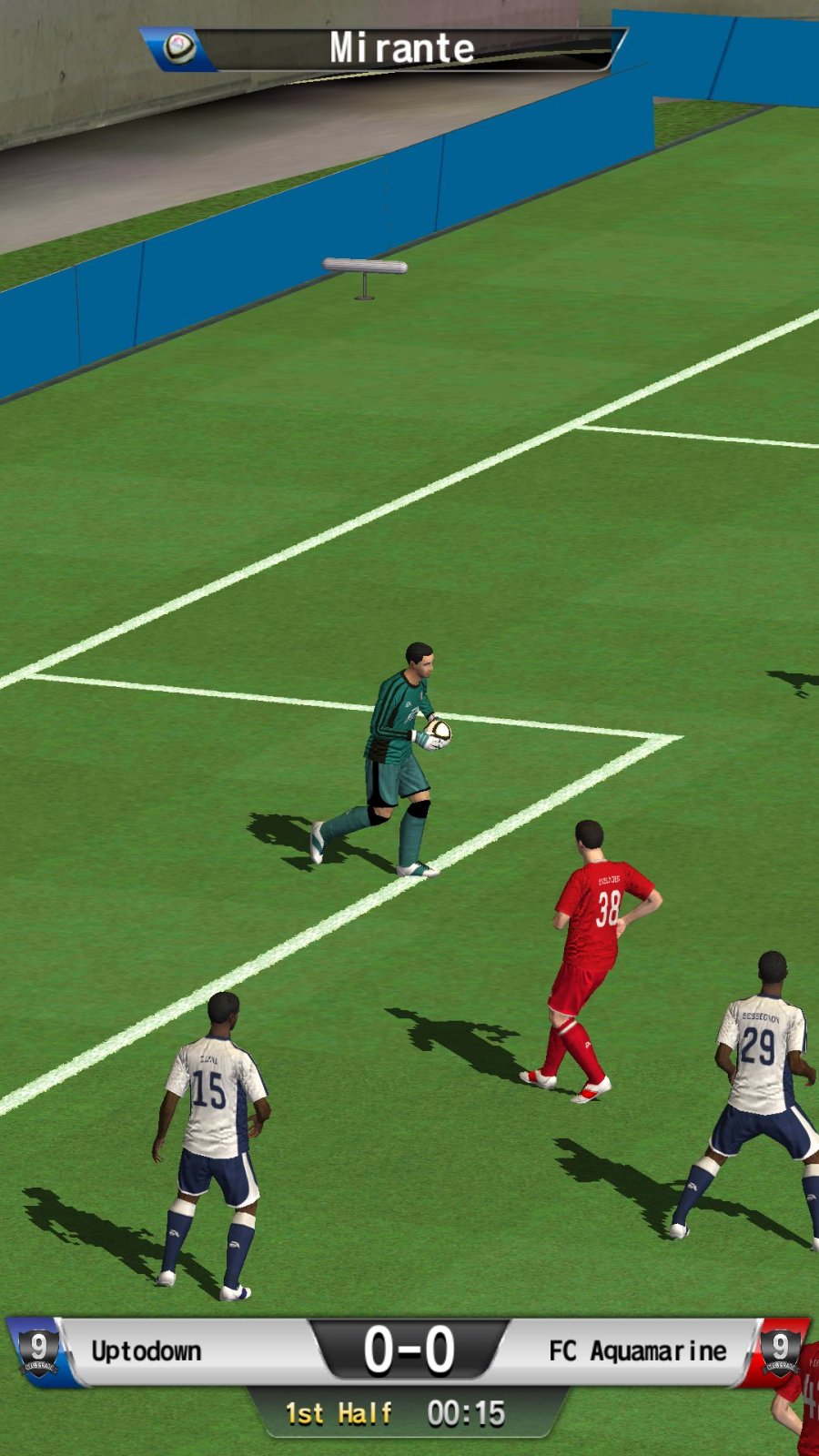
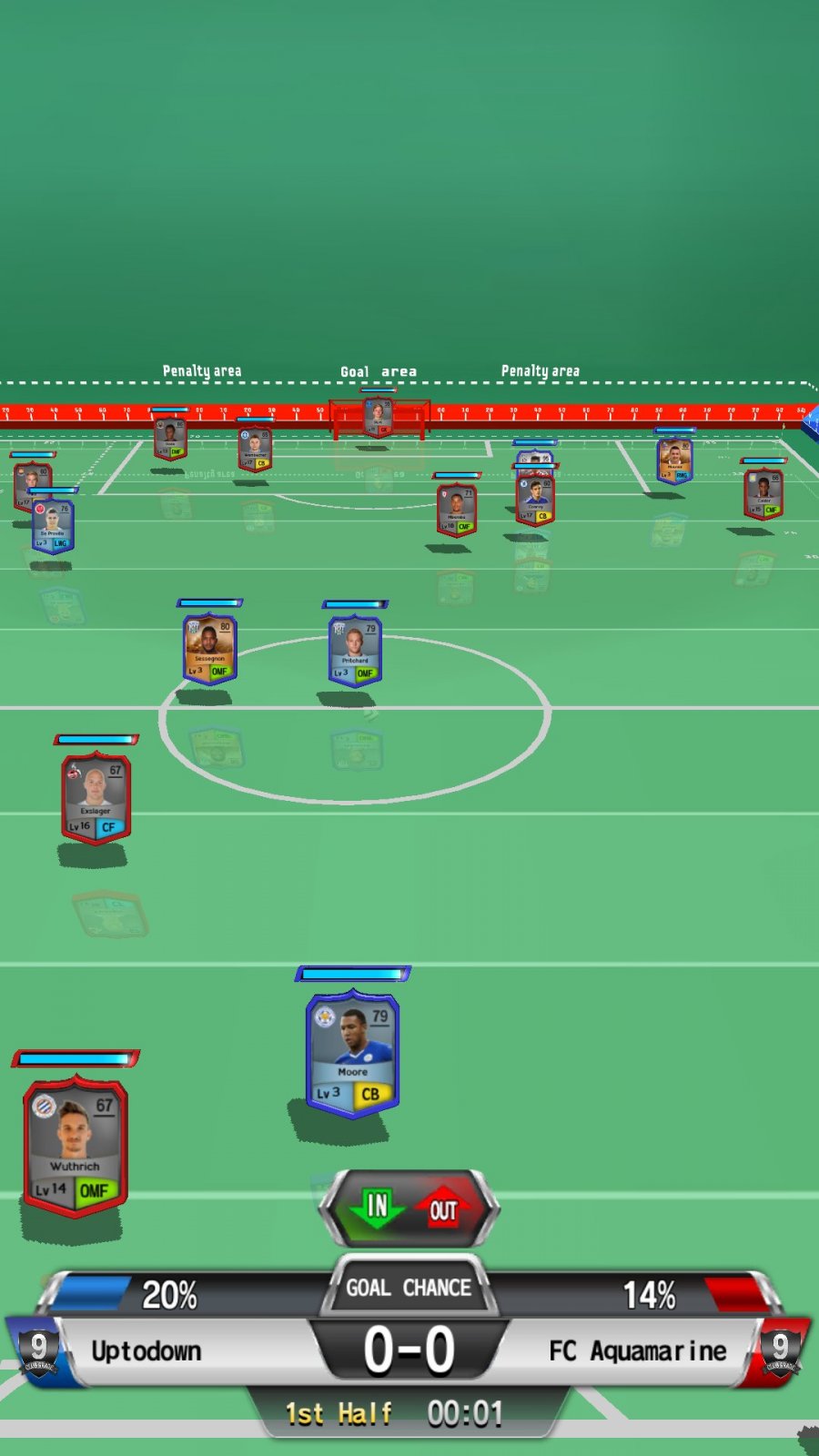
Screenshots FIFA Soccer: Prime Stars 


What Is New 

(function($) { $(function() { // Find all YouTube videos var $allVideos = $("#tabs-4 .vcontainer iframe"), // The element that is fluid width $fluidEl = $("#tabs-4 .vcontainer"); // Figure out and save aspect ratio for each video $allVideos.each(function() { $(this) .data('aspectRatio', this.height / this.width) // and remove the hard coded width/height .removeAttr('height') .removeAttr('width'); }); // When the window is resized $(window).resize(function() { var newWidth = $fluidEl.width(); // Resize all videos according to their own aspect ratio $allVideos.each(function() { var $el = $(this); $el .width(newWidth) .height(newWidth * $el.data('aspectRatio')); }); // Kick off one resize to fix all videos on page load }).resize(); }); })(jQuery);



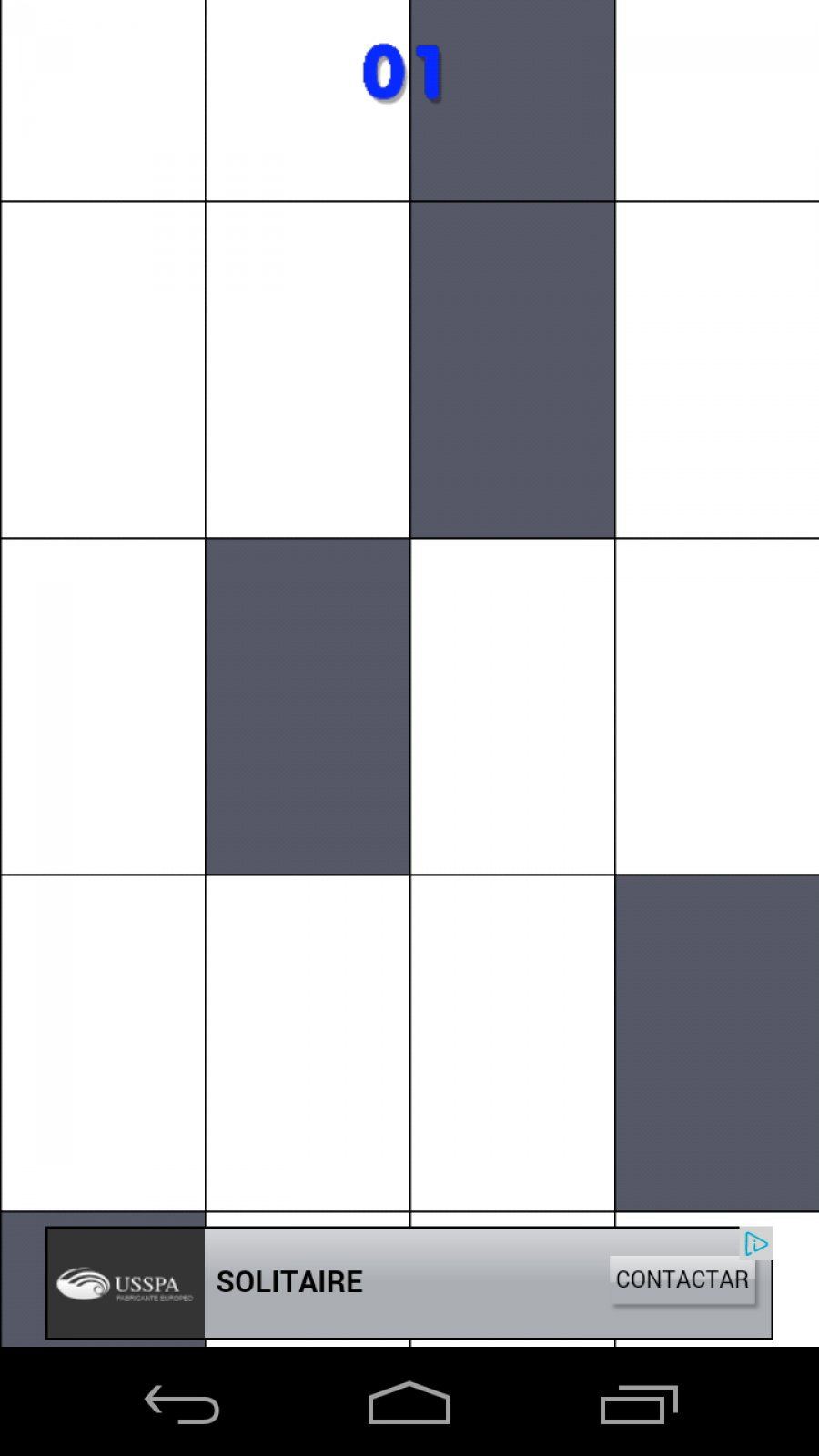
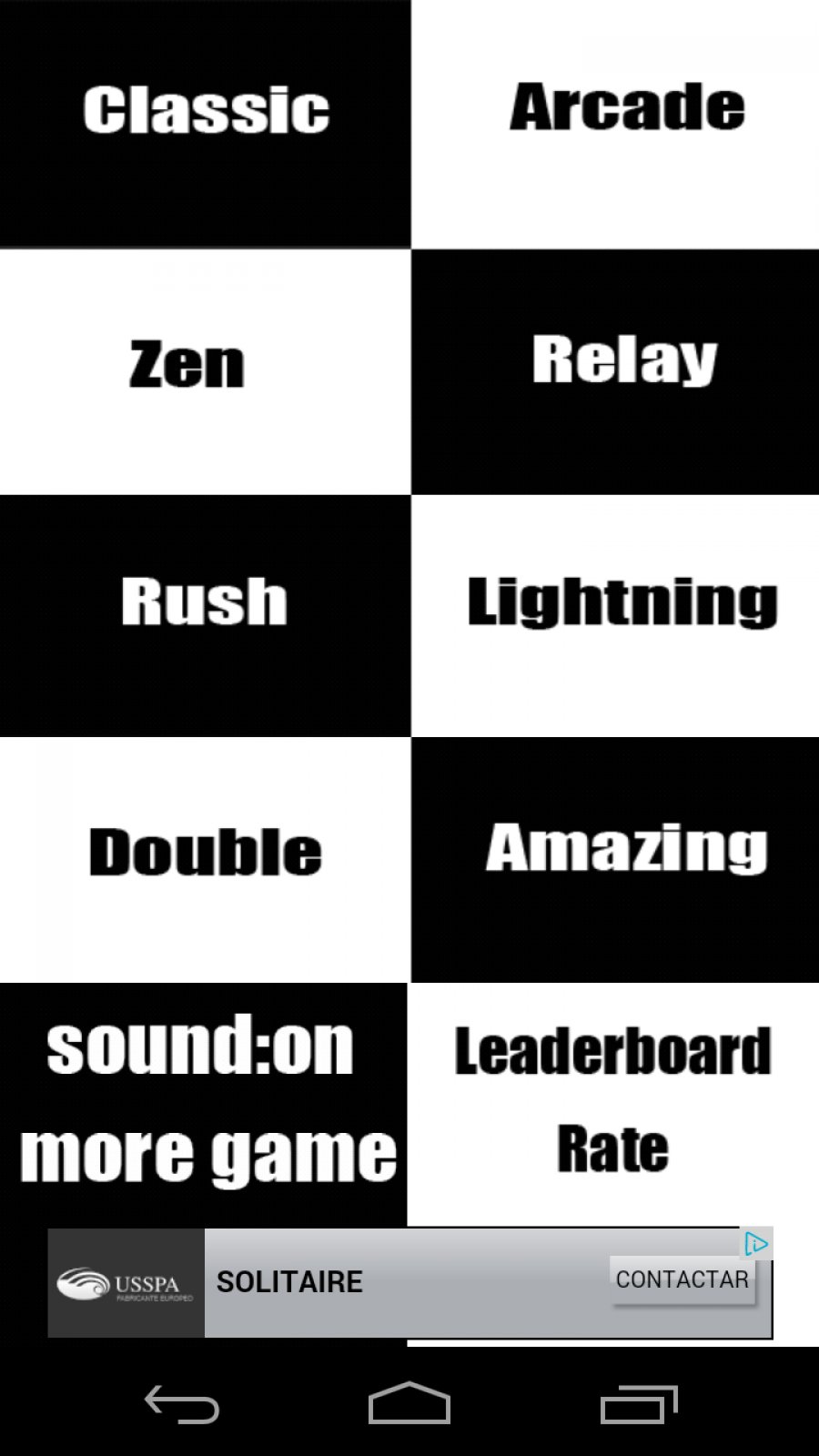
official Don't Tap The White Tile full version


Don't Tap The White Tile


Program available in English Program license Free - System Android


Category : Arcade
Program  : Free
Version  : 4.0.7.5
Size     : 10 MB
Works under : Android
Package name : com.umonistudio.tile
Votes : 67 Votes / Ratting : 4.5
Program by : Cheetah Games Unit 1309A, 13/F, Cable TV Tower, No. 9 Hoi Shing Road, Tsuen Wan, N.T., Hong Kong
Content rating - Everyone

Watch Don't Tap The White Tile Video Review 

Review - Don't Tap The White Tile 

Don't Tap The White Tile is an Android browser that is a limited version of the regular UC Browser. It has many of the same features that made the UC Browser popular. It is a great alternative browser if you want something simpler than the traditional browsers for Android.  Don't Tap The White Tile has many great features. One feature is that it is a very fast browser for downloading files or watching videos. Another feature is that video playback can be controlled by gestures. Also, Don't Tap The White Tile has an incognito mode to secure your privacy. The browser additionally has a Night Mode which makes it easier to read text when it is dark.  The browser is very well designed. The user-interface is very stylish and clean, letting you focus on what you are doing. The tab management is simpler and easier to use than it is for most Android browsers. A quick-search feature allows you to search right from the navigation bar. In addition, navigation cards allow you to get updates about news and events based on your location.  Pros:  Fast download speeds Intuitive user-interface Small and fast browser Many useful features  Cons:  Not as many features as in standard browsers Night Mode may not work well depending on system brightness settings Built-in download manager doesn’t always work as expected

Screenshots Don't Tap The White Tile 


What Is New 

(function($) { $(function() { // Find all YouTube videos var $allVideos = $("#tabs-4 .vcontainer iframe"), // The element that is fluid width $fluidEl = $("#tabs-4 .vcontainer"); // Figure out and save aspect ratio for each video $allVideos.each(function() { $(this) .data('aspectRatio', this.height / this.width) // and remove the hard coded width/height .removeAttr('height') .removeAttr('width'); }); // When the window is resized $(window).resize(function() { var newWidth = $fluidEl.width(); // Resize all videos according to their own aspect ratio $allVideos.each(function() { var $el = $(this); $el .width(newWidth) .height(newWidth * $el.data('aspectRatio')); }); // Kick off one resize to fix all videos on page load }).resize(); }); })(jQuery);

Download SnapPea Original


SnapPea


Program available in Windows Program license Free - System Android


Category : Download Managers
Program  : Free
Version  : 3.27.2
Size     : 3 MB
Works under : Android
Package name : Unrated
Votes : / Ratting :
Program by : com.snappea
Content rating - English

Watch SnapPea Video Review 

Review - SnapPea 

SnapPea is an Android browser that is a limited version of the regular UC Browser. It has many of the same features that made the UC Browser popular. It is a great alternative browser if you want something simpler than the traditional browsers for Android.  SnapPea has many great features. One feature is that it is a very fast browser for downloading files or watching videos. Another feature is that video playback can be controlled by gestures. Also, SnapPea has an incognito mode to secure your privacy. The browser additionally has a Night Mode which makes it easier to read text when it is dark.  The browser is very well designed. The user-interface is very stylish and clean, letting you focus on what you are doing. The tab management is simpler and easier to use than it is for most Android browsers. A quick-search feature allows you to search right from the navigation bar. In addition, navigation cards allow you to get updates about news and events based on your location.  Pros:  Fast download speeds Intuitive user-interface Small and fast browser Many useful features  Cons:  Not as many features as in standard browsers Night Mode may not work well depending on system brightness settings Built-in download manager doesn’t always work as expected

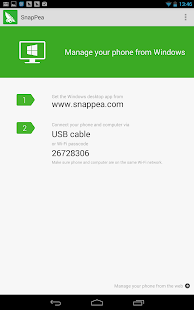
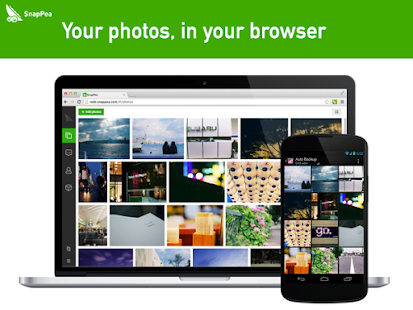
Screenshots SnapPea 


What Is New 

(function($) { $(function() { // Find all YouTube videos var $allVideos = $("#tabs-4 .vcontainer iframe"), // The element that is fluid width $fluidEl = $("#tabs-4 .vcontainer"); // Figure out and save aspect ratio for each video $allVideos.each(function() { $(this) .data('aspectRatio', this.height / this.width) // and remove the hard coded width/height .removeAttr('height') .removeAttr('width'); }); // When the window is resized $(window).resize(function() { var newWidth = $fluidEl.width(); // Resize all videos according to their own aspect ratio $allVideos.each(function() { var $el = $(this); $el .width(newWidth) .height(newWidth * $el.data('aspectRatio')); }); // Kick off one resize to fix all videos on page load }).resize(); }); })(jQuery);


Mod APK Google Camera full version


Google Camera


Program available in English Program license Free - System Android


Category : Photography
Program  : Free
Version  : 6.2.031.259661660
Size     : 142 MB
Works under : Android
Package name : com.google.android.GoogleCamera
Votes : 2 Votes / Ratting : 5
Program by : Google LLC 1600 Amphitheatre Parkway, Mountain View 94043
Content rating - Everyone

Watch Google Camera Video Review 

Review - Google Camera 

Google Camera is an Android browser that is a limited version of the regular UC Browser. It has many of the same features that made the UC Browser popular. It is a great alternative browser if you want something simpler than the traditional browsers for Android.  Google Camera has many great features. One feature is that it is a very fast browser for downloading files or watching videos. Another feature is that video playback can be controlled by gestures. Also, Google Camera has an incognito mode to secure your privacy. The browser additionally has a Night Mode which makes it easier to read text when it is dark.  The browser is very well designed. The user-interface is very stylish and clean, letting you focus on what you are doing. The tab management is simpler and easier to use than it is for most Android browsers. A quick-search feature allows you to search right from the navigation bar. In addition, navigation cards allow you to get updates about news and events based on your location.  Pros:  Fast download speeds Intuitive user-interface Small and fast browser Many useful features  Cons:  Not as many features as in standard browsers Night Mode may not work well depending on system brightness settings Built-in download manager doesn’t always work as expected

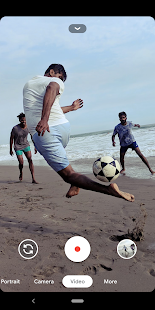
Screenshots Google Camera 


What Is New 

Added dual exposure controls to adjust brightness and HDR of your photo (Pixel 4). Added Astrophotography to Night Sight to allow you take a picture of the Milky Way with one tap (Pixel 3, 3a, and 4). Added Frequent Faces to help you capture Top Shot photos where the people you photograph most are smiling and not blinking (Pixel 4). Added Touch and hold on the shutter button to capture Top Shot photos in the default camera mode (Pixel 2, 3, 3a, and 4).


Mod APK nds4droid full version


nds4droid


Program available in English Program license Free - System Android


Category : Emulation
Program  : Free
Version  : 46
Size     : 5 MB
Works under : Android
Package name : com.opendoorstudios.ds4droid
Votes : 54 Votes / Ratting : 3.4
Program by : Jeffrey Quesnelle
Content rating - Everyone

Watch nds4droid Video Review 

Review - nds4droid 

nds4droid is an Android browser that is a limited version of the regular UC Browser. It has many of the same features that made the UC Browser popular. It is a great alternative browser if you want something simpler than the traditional browsers for Android.  nds4droid has many great features. One feature is that it is a very fast browser for downloading files or watching videos. Another feature is that video playback can be controlled by gestures. Also, nds4droid has an incognito mode to secure your privacy. The browser additionally has a Night Mode which makes it easier to read text when it is dark.  The browser is very well designed. The user-interface is very stylish and clean, letting you focus on what you are doing. The tab management is simpler and easier to use than it is for most Android browsers. A quick-search feature allows you to search right from the navigation bar. In addition, navigation cards allow you to get updates about news and events based on your location.  Pros:  Fast download speeds Intuitive user-interface Small and fast browser Many useful features  Cons:  Not as many features as in standard browsers Night Mode may not work well depending on system brightness settings Built-in download manager doesn’t always work as expected

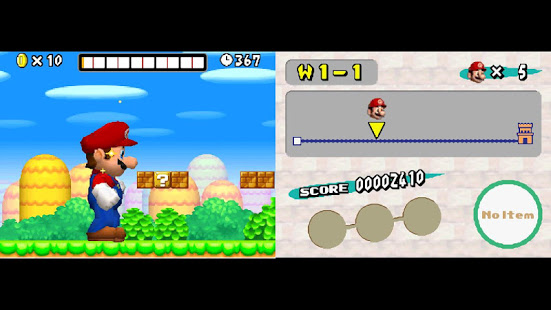
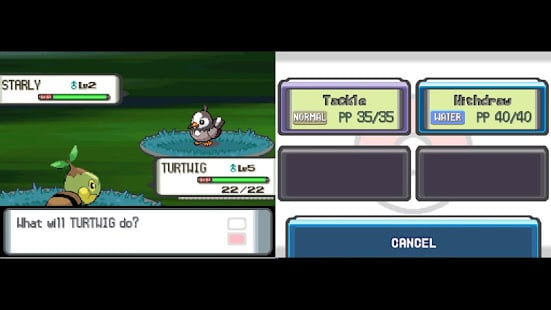
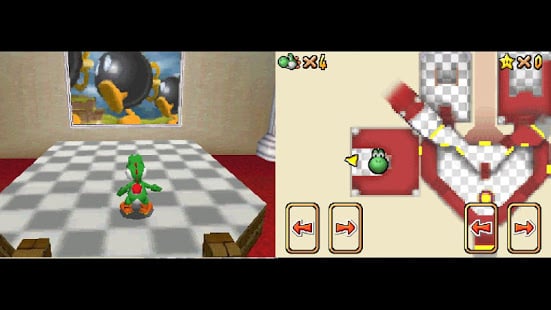
Screenshots nds4droid 


What Is New 

Release 47: -Adds a new German translation (thanks Nathaniel D.) -Converted project to Android Studio and moved to GitHub. The source now lives at https://github.com/jquesnelle/nds4droid


Mod APK Salaat First full version


Salaat First


Program available in Everyone Program license Free - System Android


Category : Religion
Program  : Free
Version  : 4.4.10
Size     : 12 MB
Works under : Android
Package name : Hicham Boushaba
Votes : 58 Votes / Ratting : 4.5
Program by : Hicham Boushaba
Content rating - org.hicham.salaat

Watch Salaat First Video Review 

Review - Salaat First 

Salaat First is an Android browser that is a limited version of the regular UC Browser. It has many of the same features that made the UC Browser popular. It is a great alternative browser if you want something simpler than the traditional browsers for Android.  Salaat First has many great features. One feature is that it is a very fast browser for downloading files or watching videos. Another feature is that video playback can be controlled by gestures. Also, Salaat First has an incognito mode to secure your privacy. The browser additionally has a Night Mode which makes it easier to read text when it is dark.  The browser is very well designed. The user-interface is very stylish and clean, letting you focus on what you are doing. The tab management is simpler and easier to use than it is for most Android browsers. A quick-search feature allows you to search right from the navigation bar. In addition, navigation cards allow you to get updates about news and events based on your location.  Pros:  Fast download speeds Intuitive user-interface Small and fast browser Many useful features  Cons:  Not as many features as in standard browsers Night Mode may not work well depending on system brightness settings Built-in download manager doesn’t always work as expected

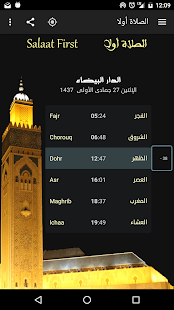
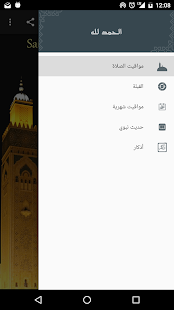
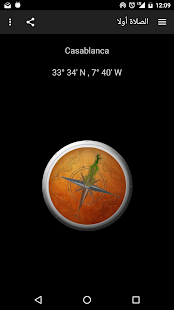
Screenshots Salaat First 


What Is New 

(function($) { $(function() { // Find all YouTube videos var $allVideos = $("#tabs-4 .vcontainer iframe"), // The element that is fluid width $fluidEl = $("#tabs-4 .vcontainer"); // Figure out and save aspect ratio for each video $allVideos.each(function() { $(this) .data('aspectRatio', this.height / this.width) // and remove the hard coded width/height .removeAttr('height') .removeAttr('width'); }); // When the window is resized $(window).resize(function() { var newWidth = $fluidEl.width(); // Resize all videos according to their own aspect ratio $allVideos.each(function() { var $el = $(this); $el .width(newWidth) .height(newWidth * $el.data('aspectRatio')); }); // Kick off one resize to fix all videos on page load }).resize(); }); })(jQuery);

Mod APK Piano Tiles full version


Piano Tiles


Program available in com.goodgame.mm.pianotiles Program license Free - System Android


Category : Casual
Program  : Free
Version  : 1.0.3
Size     : 2 MB
Works under : Android
Package name : LoveParadise
Votes : / Ratting :
Program by : LoveParadise
Content rating - LoveParadise

Watch Piano Tiles Video Review 

Review - Piano Tiles 

Piano Tiles is an Android browser that is a limited version of the regular UC Browser. It has many of the same features that made the UC Browser popular. It is a great alternative browser if you want something simpler than the traditional browsers for Android.  Piano Tiles has many great features. One feature is that it is a very fast browser for downloading files or watching videos. Another feature is that video playback can be controlled by gestures. Also, Piano Tiles has an incognito mode to secure your privacy. The browser additionally has a Night Mode which makes it easier to read text when it is dark.  The browser is very well designed. The user-interface is very stylish and clean, letting you focus on what you are doing. The tab management is simpler and easier to use than it is for most Android browsers. A quick-search feature allows you to search right from the navigation bar. In addition, navigation cards allow you to get updates about news and events based on your location.  Pros:  Fast download speeds Intuitive user-interface Small and fast browser Many useful features  Cons:  Not as many features as in standard browsers Night Mode may not work well depending on system brightness settings Built-in download manager doesn’t always work as expected

Screenshots Piano Tiles 


What Is New